



Cashed App
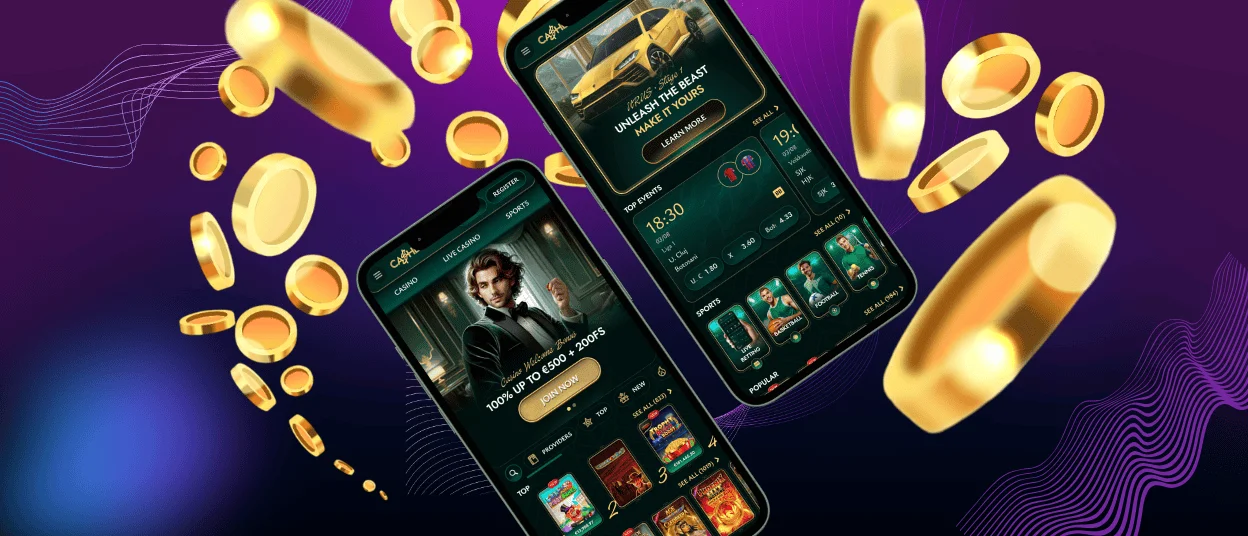
The Cashed app is a convenient mobile solution for those who like to play casino games on the go. It can be installed on any device and operating system in a matter of seconds. Plus, there’s no need to create a separate account to start using the app: just log in as usual, and you’re good to go (no additional verification process required).



Cashed Mobile Casino
Our website is fully optimized for mobile devices and smaller screens. Yet if you’re craving that app-like feel during gameplay, installing the Cashed app on your smartphone is an excellent choice.
This mobile application is a PWA, which, in a nutshell, is a website with the appearance of a regular app. You don’t need to download any files to start the installation process. You are simply required to add a PWA shortcut to your home screen via browser settings and sign in to your Cashed Casino account as normal.
Once set up, the PWA takes just a little fraction of storage space on your device and doesn’t drain your battery more than a regular website. Moreover, the Cashed app is totally free to use, which makes it truly beneficial for mobile players.
Access to Cashed on Different Devices
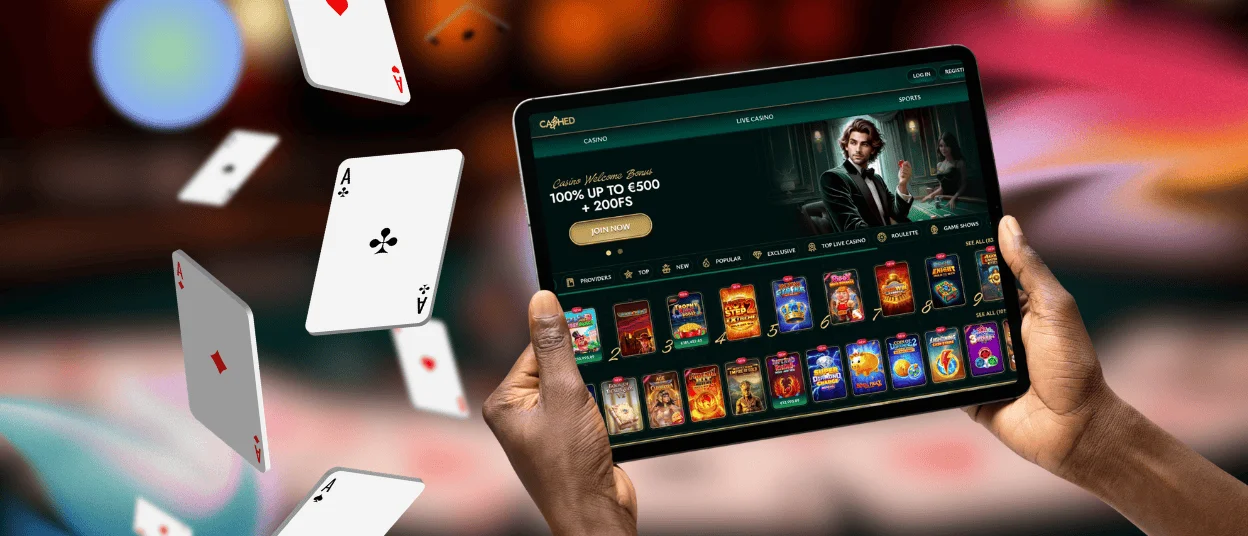
Our PWA is compatible with any type of device or operating system. You can install it on your Samsung Galaxy with Android, a Dell desktop computer with Windows, an iPad Pro, or a MacBook Air. No matter what kind of technology you prefer to use, your gaming experience with the Cashed app is bound to be of the highest quality and utmost convenience.
Here is a brief recap of the different devices’ advantages in terms of navigating across Cashed Casino through the PWA:
| Type | Key Strengths | Considerations |
| Desktop PCs | Large monitor for immersive gameplay in full-screen mode + easier data management thanks to precise mouse and keyboard controls. | Not mobile, but great for longer gaming sessions (especially in our live casino section). |
| Laptops | A nice balance between mobility and a larger screen size + keyboard allows for easy text entry. | The duration of gaming sessions depends on your laptop’s battery life (if it’s not plugged in). |
| Smartphones | Quick casino access right from your home screen + full portability combined with a mobile-friendly interface. | Ideal for playing online slots on the move, but smaller screens may make some intricate game details poorly visible. |
| Tablets | Larger display as compared to smartphones + the same mobile-friendly touch controls. | An ideal choice for extended live casino sessions while traveling. |
Mobile Application for Android
To start using the Cashed app on your Android smartphone or tablet, set it up on your home screen in these five easy steps:
- Visit Cashed Casino in any browser you prefer (it may be Chrome, Mozilla Firefox, or pretty much anything else).
- Click the three-dot icon on the side of the address bar to open browser settings.
- Tap “Add to Home Screen.”
- Personalize the shortcut’s name if you wish.
- Press “Install” to finish it all up.
This entire PWA installation routine takes no more than a minute. Once done, you can find the Cashed Casino icon on your smartphone’s screen and tap it to access your account without opening a browser.
The Cashed Android app allows for the very same gaming experience as the main version of our official website, with thousands of the best games to explore and a vast selection of cash bonuses to indulge in. The only difference is that opening the casino lobby is much quicker through the PWA. Plus, previously visited interfaces load faster and can be viewed even if you’re offline.
Mobile Application for iOS
To set up the Cashed Casino app on Apple devices, you need to follow the very same instructions. First, open our site in Safari and then add a PWA shortcut to your home screen via the browser settings. Just like that, you will gain much quicker access to our extensive game collection, an array of handy account management tools, and live chat with a multilingual support team on tap 24/7.
Cashed Casino Application for Windows/macOS
In addition to mobile devices, you can install our PWA on your laptop or desktop PC to speed up casino access and enjoy full-screen mode while playing your favorite live dealer tables and online slots. To make that happen, visit Cashed Casino on the web and make use of the installation icon in the address bar (it looks like a computer monitor with an arrow). The PWA will appear on your desktop shortly after, providing you with a more convenient user experience.

FAQ
Can I use the Cashed app for deposits and withdrawals?
Yes, our mobile casino solution makes it comfortable to handle every aspect of your gaming experience without opening a browser. It allows you to deposit funds or withdraw winnings in just a few moments, even if you’re on the go. The app’s payment management functionality is no different from the official website.
Does the app support casino bonuses?
Every bonus you see on the Cashed website is up for grabs in the application as well. Simply navigate to the My Bonuses interface to check on the available offers and read their rules. Then, make a qualifying deposit, if necessary, and activate the claimed bonus when you’re ready to start wagering it.
Will the Cashed app work on older phones?
Since our PWA has almost zero storage footprint and takes just a small fraction of a device’s random-access memory, it works perfectly well on older smartphones or tablets. However, outdated systems may slow down the loading times considerably. So, for optimal app performance, we recommend that you switch to newer hardware if possible.


